No Storage Space Required
The PWA runs entirely through your mobile browser and consumes zero device storage. You keep full access to all casino and sports betting sections regardless of how much space is available on your phone.
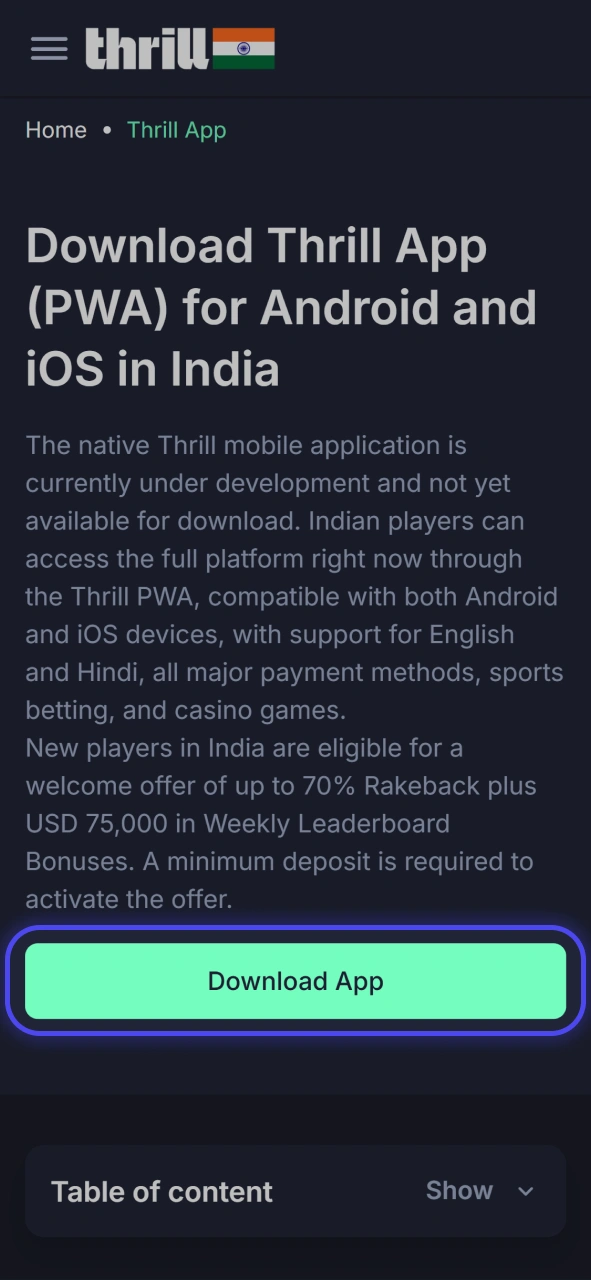
The native Thrill mobile application is currently under development and not yet available for download. Indian players can access the full platform right now through the Thrill PWA, compatible with both Android and iOS devices, with support for English and Hindi, all major payment methods, sports betting, and casino games.
New players in India are eligible for a welcome offer of up to 70% Rakeback plus USD 75,000 in Weekly Leaderboard Bonuses. A minimum deposit is required to activate the offer.
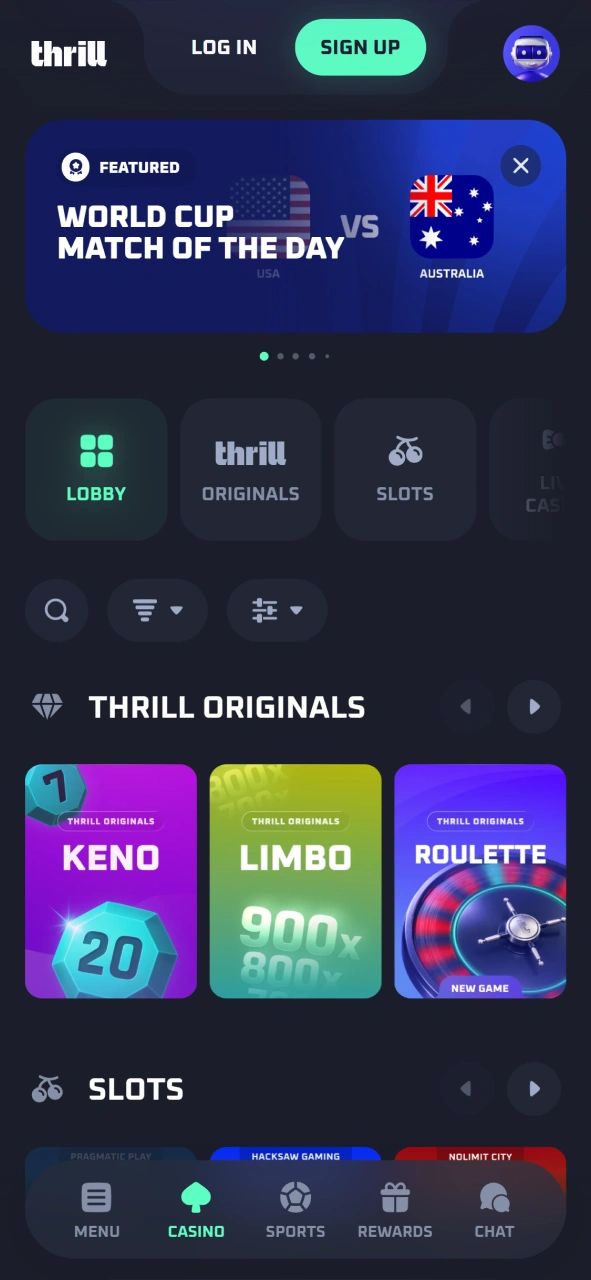
The Thrill PWA for Android and iOS delivers the complete functionality of the desktop platform, including casino, live casino, and sports betting. It runs directly in your mobile browser, requires no installation, and keeps all sections updated across a single account on any device.
| Release Date: 2023 | Developer: Thrill |
| Supported OS: Android PWA, iOS PWA | Downloading Cost: Free |
| App Category: Sports Betting, Casino, Live Casino | Supported Languages: English, Hindi |
| Supported Currencies: BTC, ETH, USDT, TRX, BNB | Customer Support: Live Chat, Email |
The Thrill PWA features a dark-themed interface with a bottom navigation bar giving instant access to Sports, Casino, Live Casino, Promotions, and Account sections. The layout is optimised for one-handed use on mobile screens, with game tiles, betting markets, and odds displayed in a clean grid format. Indian players can switch between sports betting and casino sections without reloading, and the bet slip stays accessible from any page within the application.
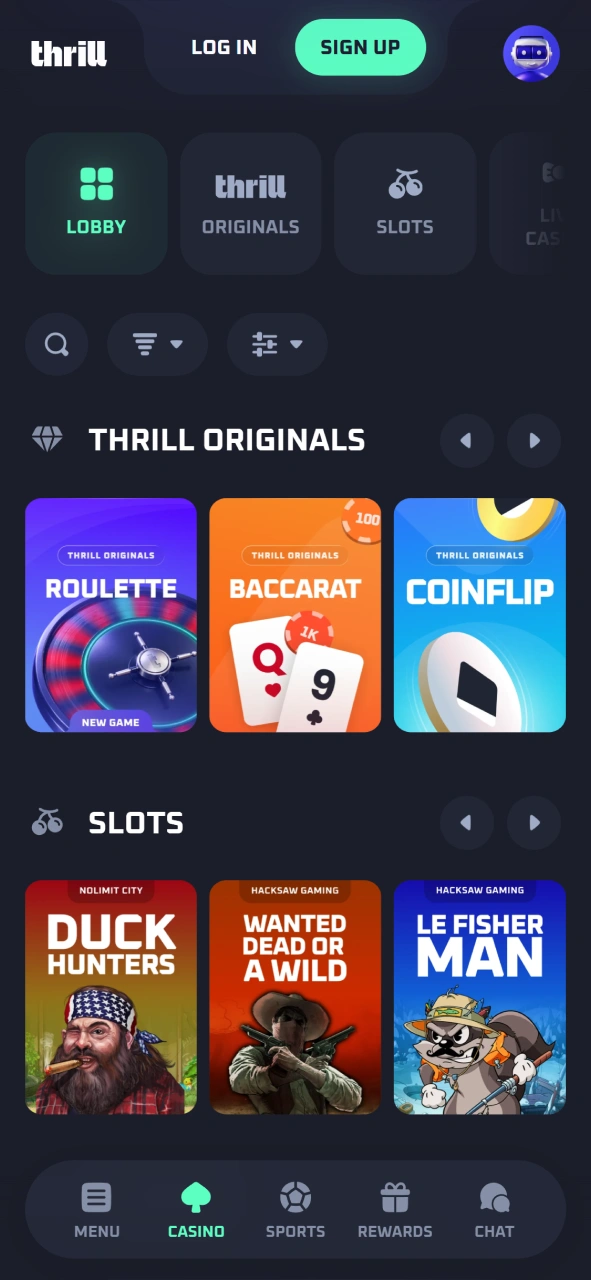
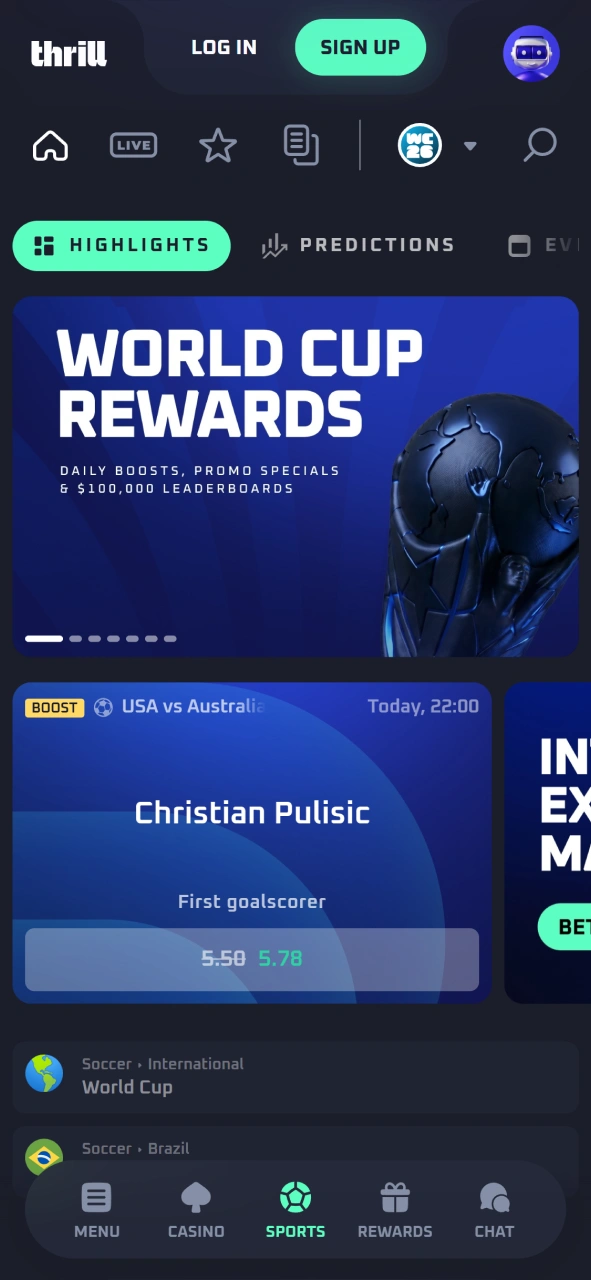
The Thrill PWA gives Indian players full access to the platform without any app store restrictions or device storage requirements. Each benefit below reflects a concrete advantage of choosing the PWA over a conventional mobile application.
The PWA runs entirely through your mobile browser and consumes zero device storage. You keep full access to all casino and sports betting sections regardless of how much space is available on your phone.
The PWA works on any Android or iOS device with a modern browser, with no hardware restrictions or minimum specs beyond Android 5.0 or iOS 12. There is no waiting for app store approval or lengthy downloads.
Every update to the Thrill platform goes live instantly across the PWA. You always access the latest version, including new games, odds, and features, without manually updating anything.
Deposits and withdrawals are processed in BTC, ETH, USDT, TRX, BNB, and other supported cryptocurrencies directly through the PWA. Transactions are fast and require no third-party intermediary.
Mobile players in India can claim the same welcome offer as desktop users: up to 70% Rakeback plus a share of USD 75,000 in Weekly Leaderboard Bonuses, accessible directly through the PWA.
The Thrill Android application is available as a PWA, which functions identically to a standard app. It has no strict hardware requirements, consumes zero device storage, and works on virtually any Android handset running a modern browser.
Tap the Download for Android button on this page to open the Thrill PWA in your mobile browser.
Wait for the site to load fully, then tap the browser menu (three dots in the top-right corner).
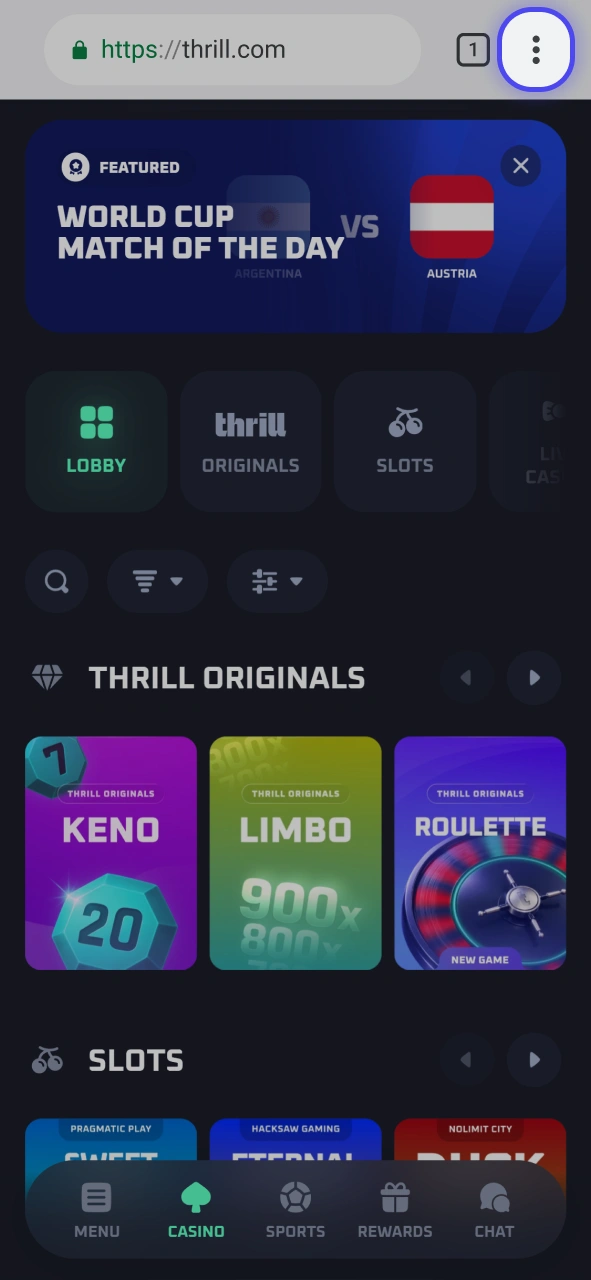
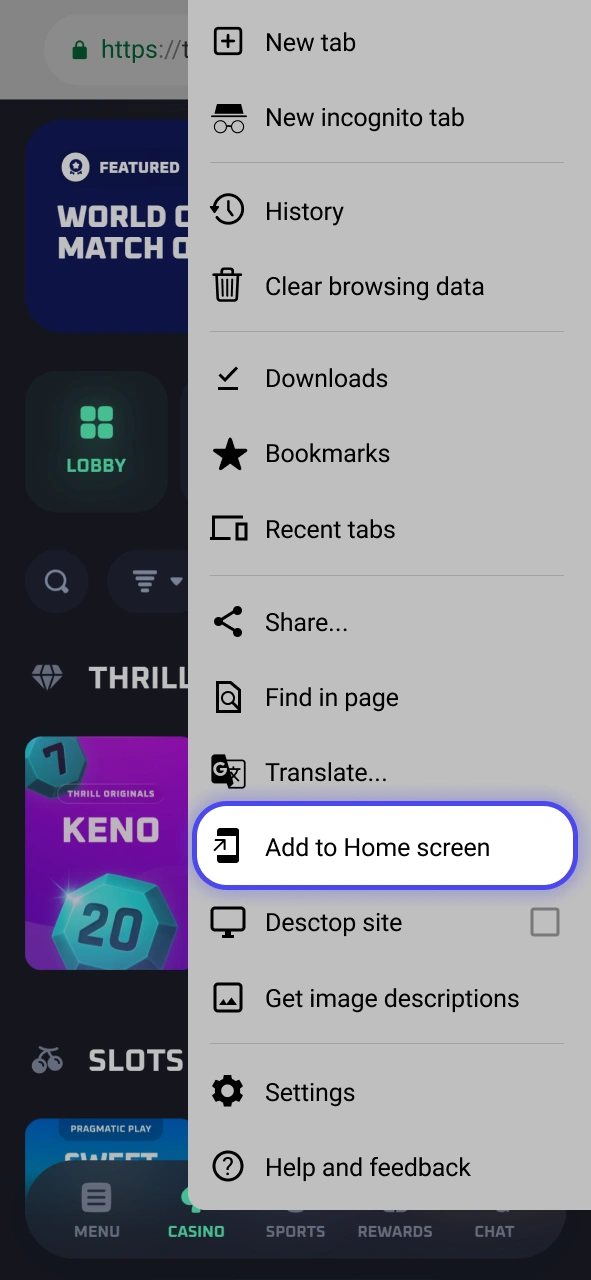
Select “Add to Home Screen” from the dropdown menu.
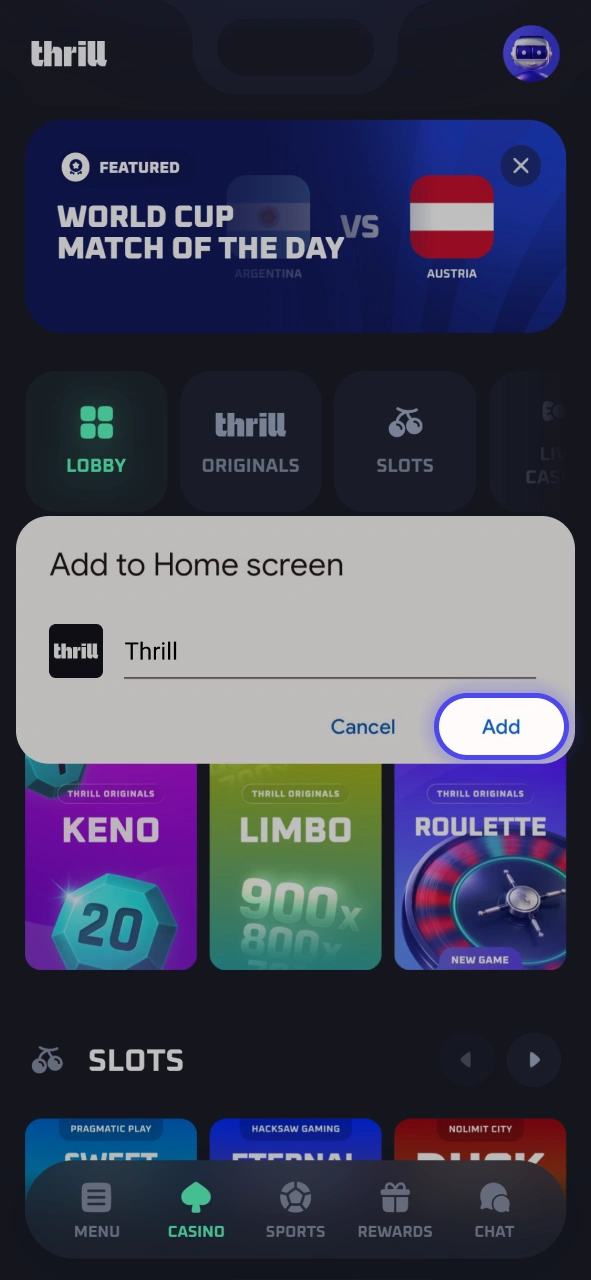
Confirm the name and tap “Add” to place the Thrill icon on your home screen.
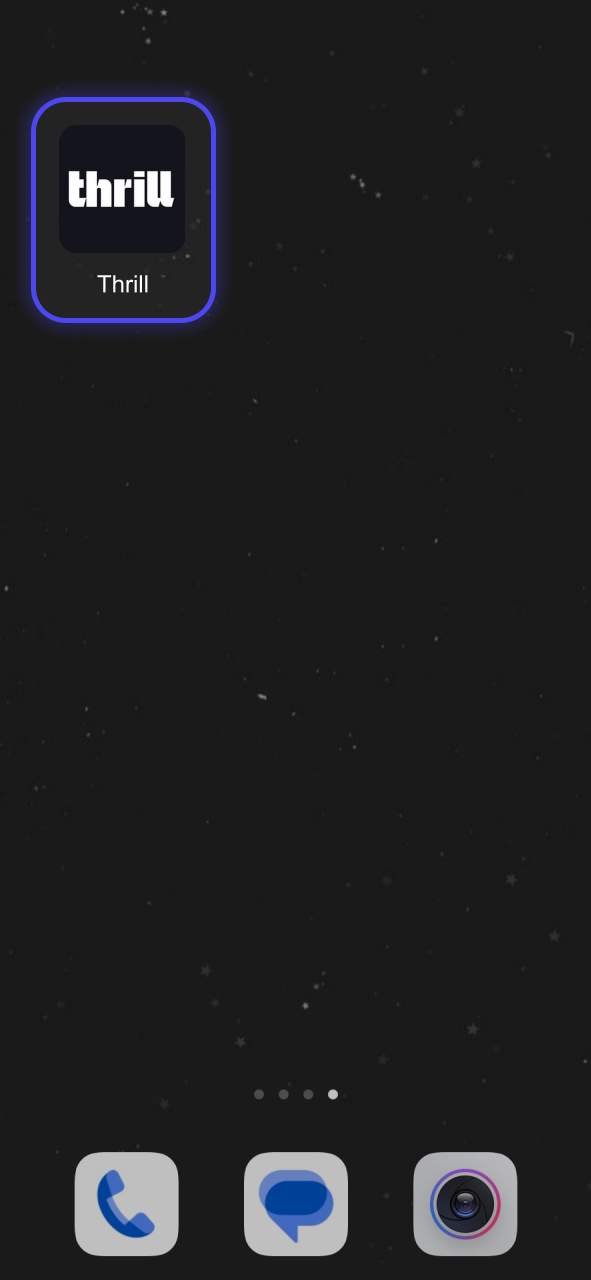
Open the PWA from your home screen and log in or register to start playing.
The Thrill PWA is built on standard web technologies, meaning virtually any Android device with a modern browser can run it without performance issues. No dedicated app hardware is required.
| Requirement | Minimum Specification |
|---|---|
| Android Version | Android 6.0 (Marshmallow) or higher |
| Main Memory | 1 GB RAM |
| Processor Frequency | 1.2 GHz |
| Free Memory Space | No free storage space required |
The Thrill PWA is compatible with a broad range of Android smartphones available in India. Any device running Android 6.0 or above with Chrome or a Chromium-based browser can access the platform without issues.
The Thrill iOS app is available as a PWA that works through Safari on any iPhone or iPad. It delivers full platform functionality with no storage usage, no strict hardware requirements, and no installation process on virtually any iOS device.
Tap the “Download for iOS” button on this page to launch the Thrill PWA in Safari on your iPhone or iPad.
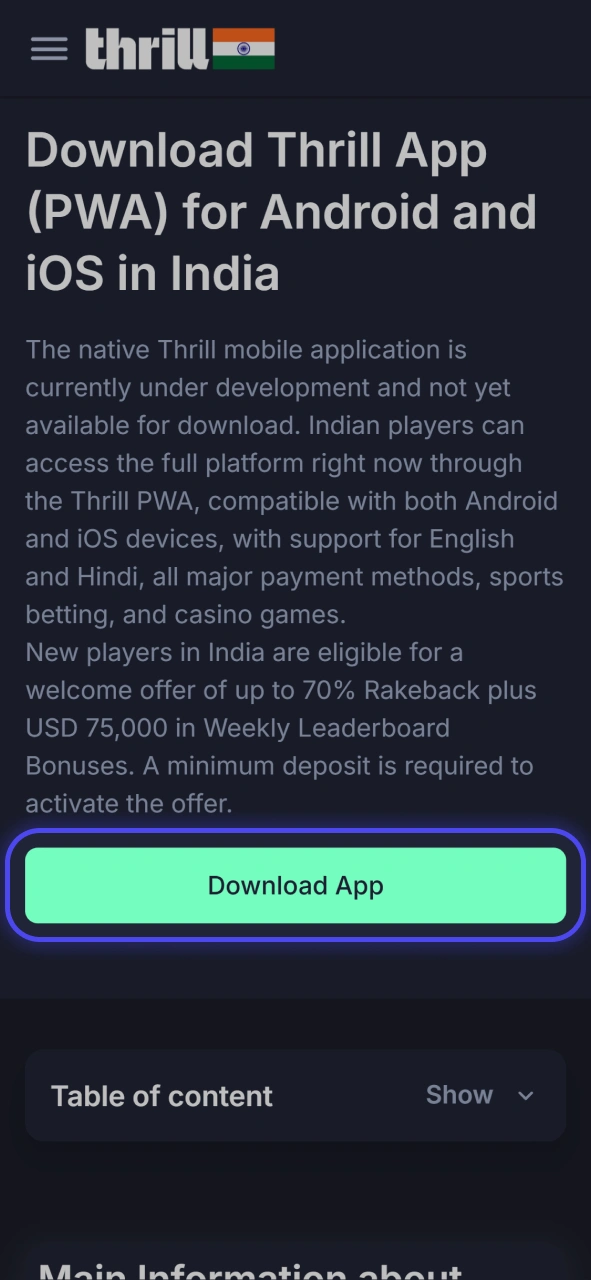
Tap the Share button (the square with an upward arrow) at the bottom of the Safari browser.
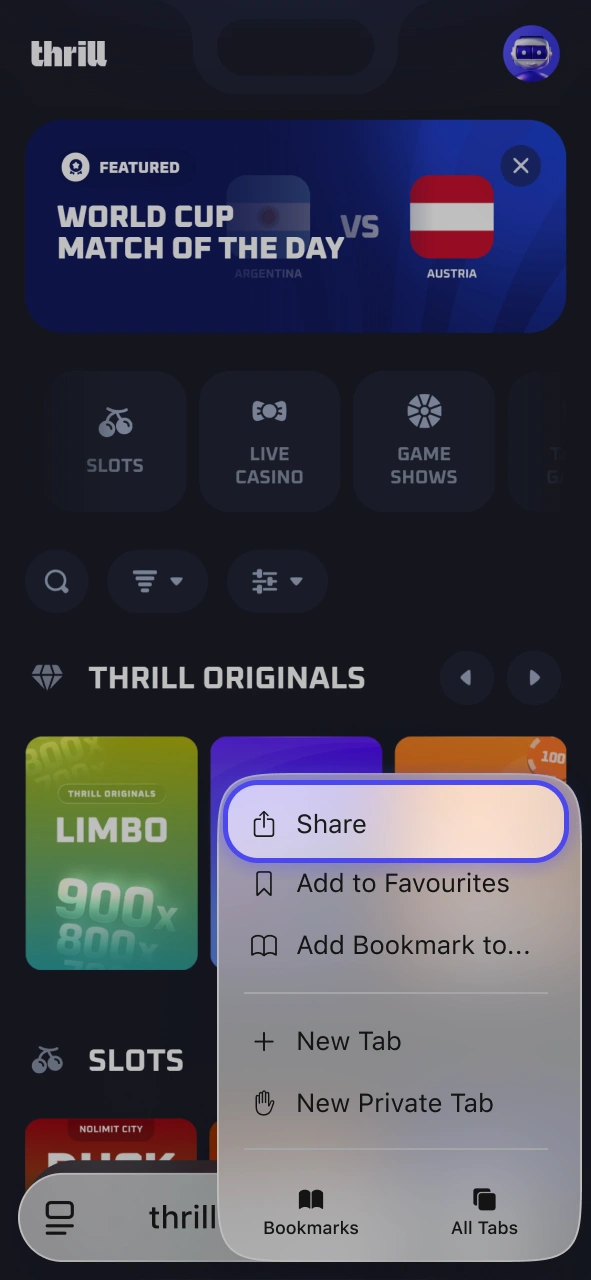
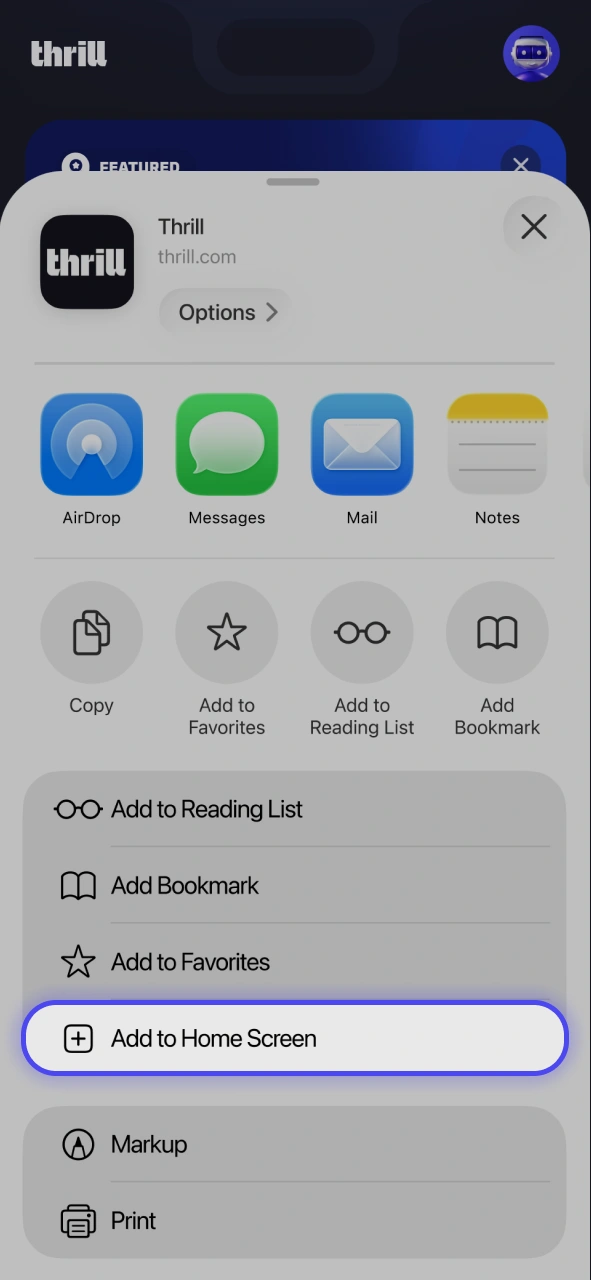
Scroll through the share options and tap “Add to Home Screen”.
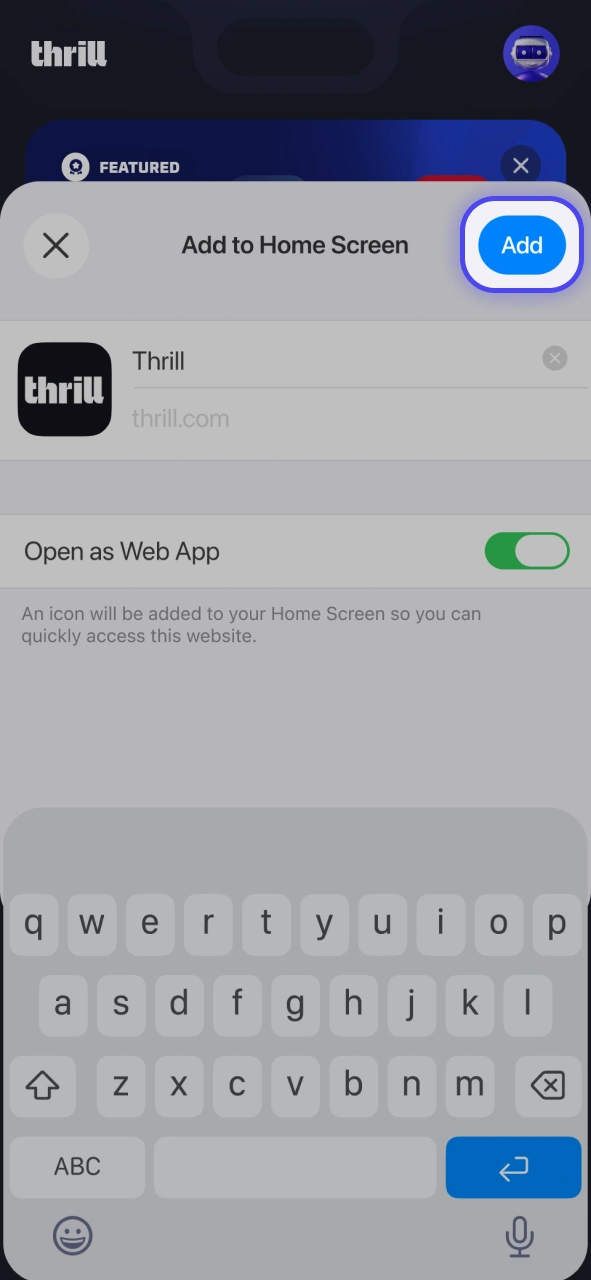
Edit the name if preferred, then tap “Add” in the top-right corner.
Locate the Thrill icon on your iOS home screen and tap to open the platform immediately.
The Thrill PWA is compatible with all modern iPhone and iPad models running a supported version of iOS. The table below lists the minimum technical requirements:
| Requirement | Minimum Specification |
|---|---|
| iOS Version | iOS 13.0 or higher |
| Main Memory | 1 GB RAM |
| Processor Frequency | 1.0 GHz |
| Free Memory Space | No free storage space required |
The Thrill PWA runs on any iPhone or iPad that supports iOS 13.0 or higher and uses Safari as the default browser. The following devices are confirmed as compatible:
The Thrill PWA requires no manual update process at any point. Every time you open the platform, the PWA automatically loads the most current version, including the latest games, betting markets, security patches, and feature releases.
Players in India who prefer not to install the PWA, or whose devices do not meet the minimum system requirements, can access the full Thrill platform directly through a mobile browser. The mobile website loads through any modern browser on Android or iOS with no additional setup required.
Your Thrill account syncs across all access points, so your balance, active bonuses, and complete betting history are available regardless of whether you use the PWA or the mobile website.
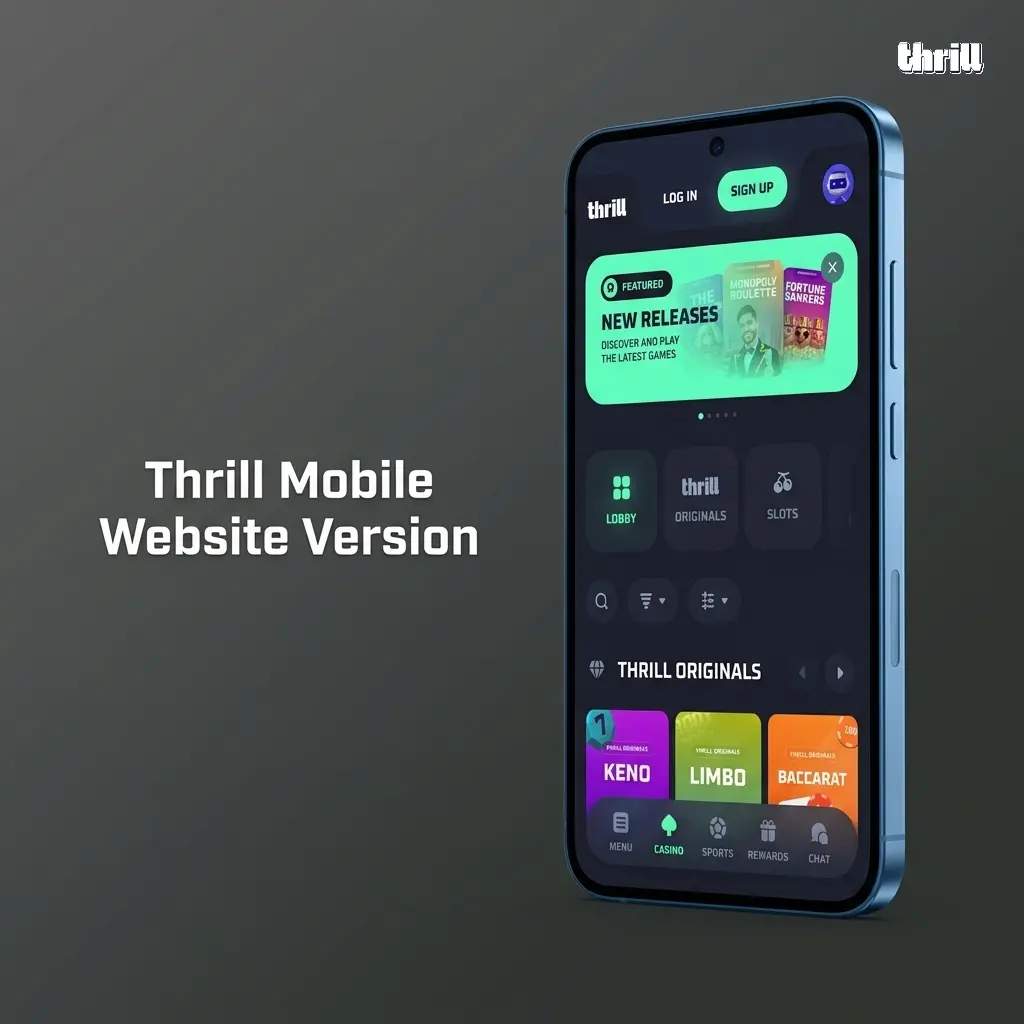
Thrill offers both a PWA and a mobile website, and each option suits different user preferences and device setups. The table below outlines the key differences between the two access methods.
| Feature | PWA | Website |
|---|---|---|
| Installation | Added to home screen via browser | No installation needed |
| Offline Caching | Partial caching supported | Fully browser-dependent |
| Launch Speed | Faster launch from home screen icon | Requires browser navigation each time |
| Notifications | Supports push notifications on supported devices | No push notification support |
| Storage Used | No device storage consumed | No device storage consumed |
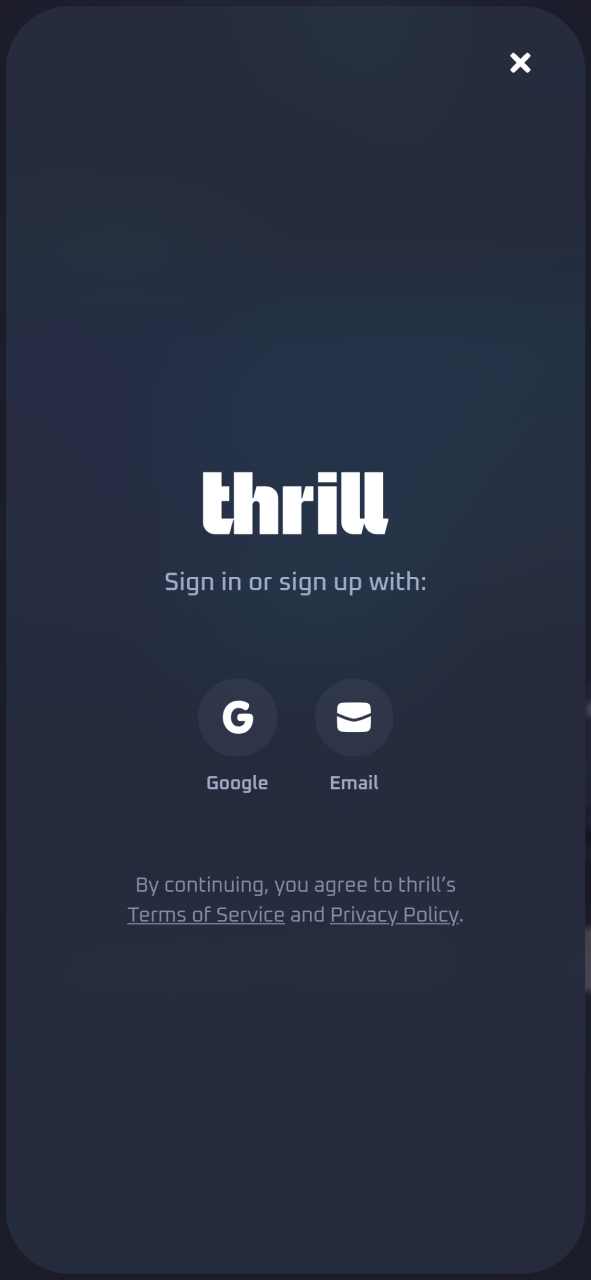
Creating a Thrill account through the PWA takes under two minutes for players in India. The registration process is completed entirely within the platform, with no redirection to third-party services. You can register using your email address, and the form requires only basic personal details to get started.
Returning players in India can access their Thrill account through the PWA in seconds using their registered credentials. The login process is direct and requires no additional verification beyond your standard account details.
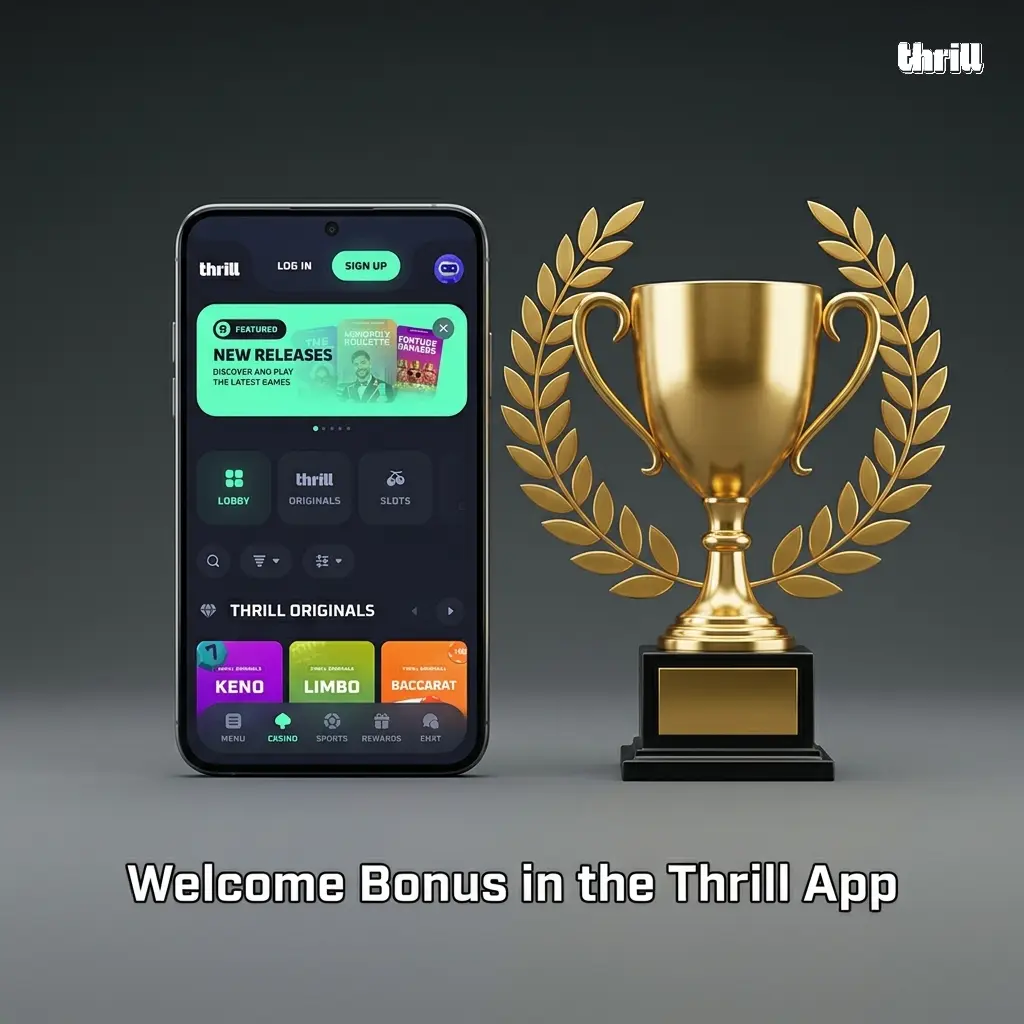
Mobile players in India can claim the Thrill welcome offer directly through the PWA, with no difference in bonus value compared to the desktop experience. The offer is structured around a Rakeback programme and a weekly competitive leaderboard, making it one of the more generous ongoing reward structures available to new users in the Indian market.
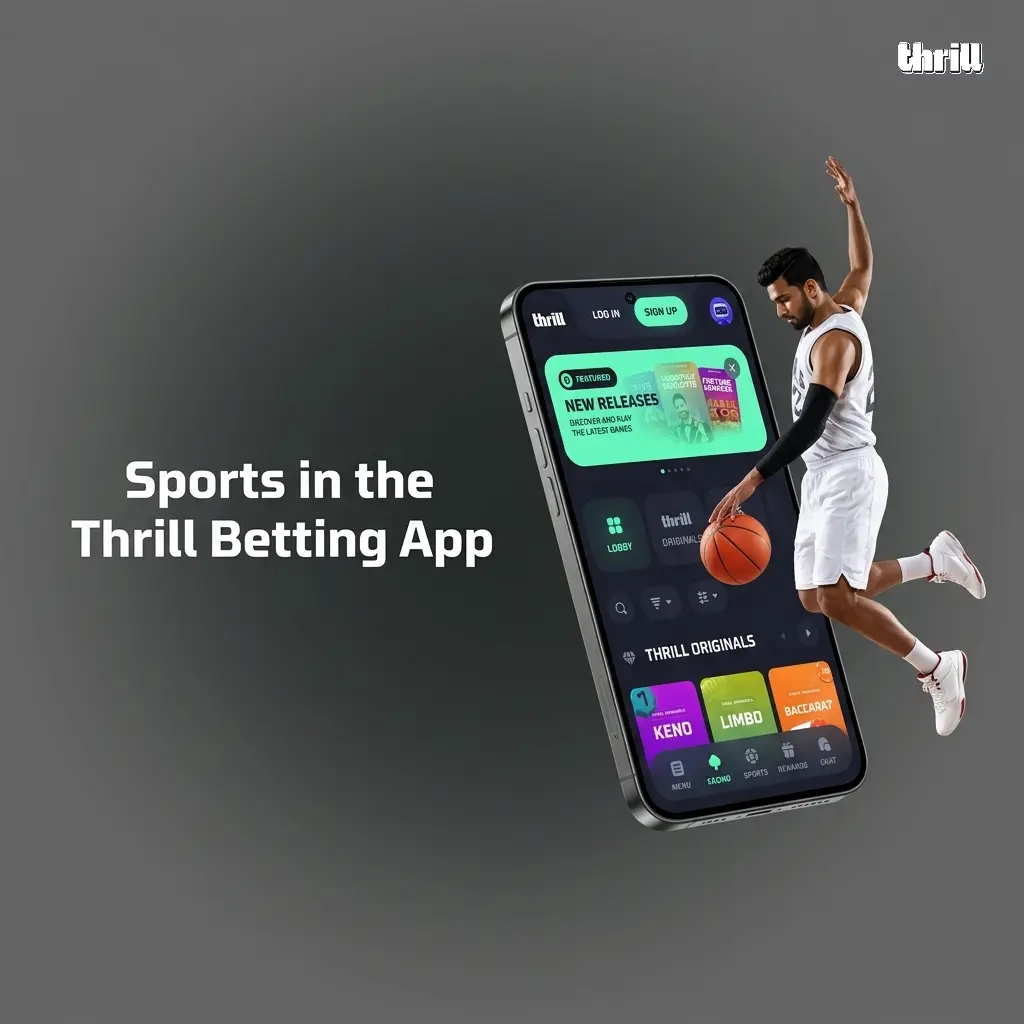
The Thrill PWA covers a broad selection of local and international sporting events, with both pre-match and live betting markets available. Bets can be placed in INR-equivalent cryptocurrency values, and live odds are refreshed continuously throughout each event.
The Thrill PWA gives Indian players full access to hundreds of casino titles on both Android and iOS, with bets placeable in supported cryptocurrencies. The game library is organised by category for quick navigation.
All games on the platform are supplied by licensed developers including Pragmatic Play, Evolution Gaming, Hacksaw Gaming, and BGaming. Every title uses certified RNG technology and is fully optimised for mobile screens.
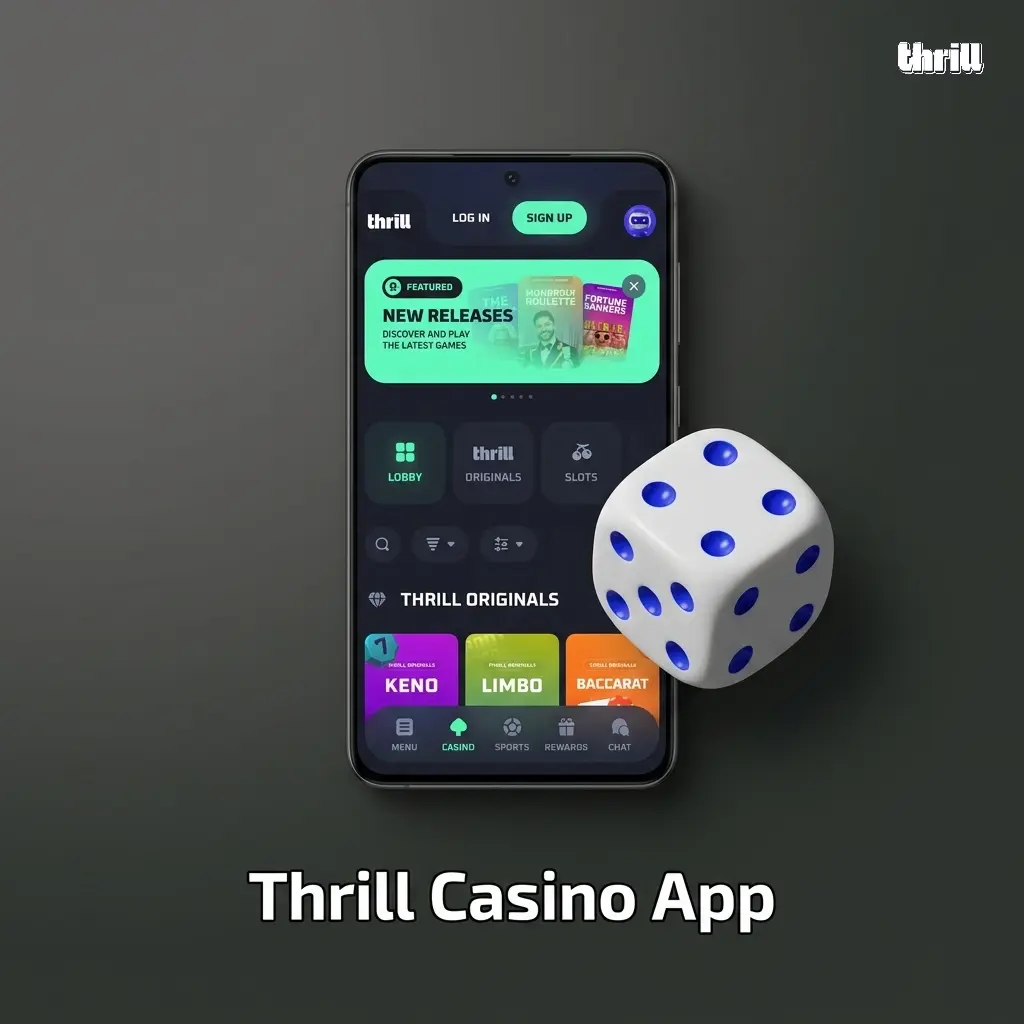
The Thrill PWA lets you place bets on sports and casino games directly from your mobile device, with your bet history and live results accessible from the same screen. The process below covers sports betting placement; casino bets follow the same account and deposit flow.
Thrill operates exclusively with cryptocurrency payment methods, covering Bitcoin, Ethereum, Litecoin, Tether, Dogecoin, XRP, TRON, and Binance Coin through the PWA. Crypto deposits are processed near-instantly, and withdrawals are typically completed within 10 to 30 minutes depending on network congestion. The minimum deposit starts at the equivalent of USD 10, and withdrawals carry a minimum threshold that varies by currency. Indian players can fund their accounts and track balances using INR-equivalent values displayed within the platform.
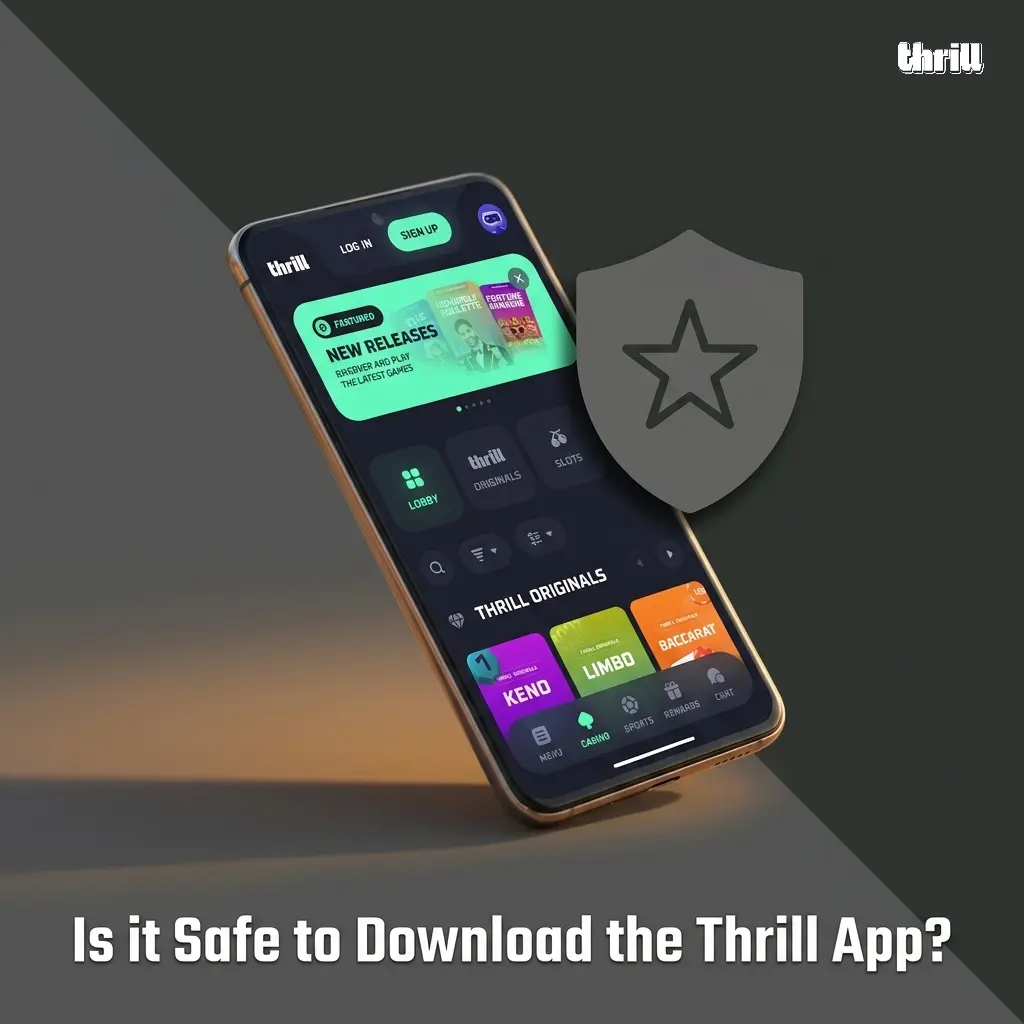
The Thrill PWA is fully secure for players in India. The platform operates under a licence issued by the Government of Curacao (licence number 365/JAZ), a recognised regulatory body in the online gaming industry. All data transmitted through the PWA is protected by SSL encryption, which secures both personal information and financial transactions at every stage. The PWA is accessible exclusively through the official Thrill website, which eliminates the risk of counterfeit or tampered versions circulating on third-party platforms. Every platform update passes through internal security checks before going live. Payments are processed through verified cryptocurrency channels with no exposure to unregulated intermediaries. Your personal data is stored and managed in compliance with applicable data protection standards, and your financial details are never shared with unauthorised parties.
Thrill provides direct support access through the PWA for all account, payment, and technical queries raised by players in India. The support team is available around the clock, with response times varying by channel. The following support options are accessible from within the PWA.
You can browse the game lobby and sports markets without an account, but placing real-money bets and making deposits requires a registered and verified Thrill account.
Yes. The Thrill PWA is compatible with any Android device running Android 5.0 or above with at least 1 GB of RAM. Most smartphones released after 2015 meet this requirement.
Yes. The full welcome offer of up to 70% Rakeback plus USD 75,000 in Weekly Leaderboard Bonuses applies equally to players accessing Thrill through the PWA on mobile.
Navigate to the Cashier or Wallet section within the PWA, select your preferred cryptocurrency, enter your wallet address and the withdrawal amount, and confirm the transaction. Withdrawals are typically processed within 10 to 30 minutes.
The PWA consumes no additional background battery or data beyond what a standard browser session uses. It does not run background processes when not actively open.
Updated: